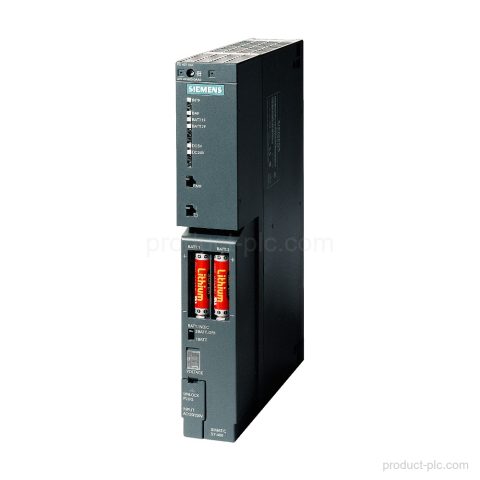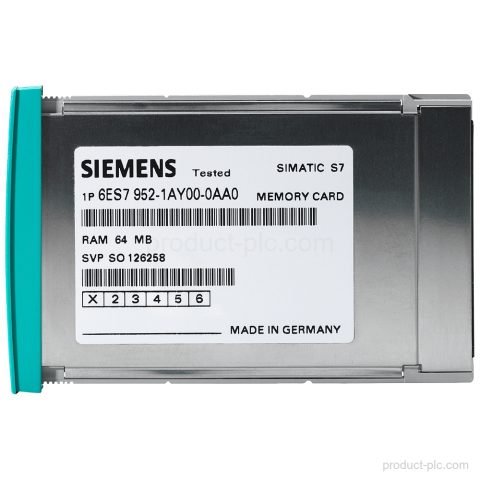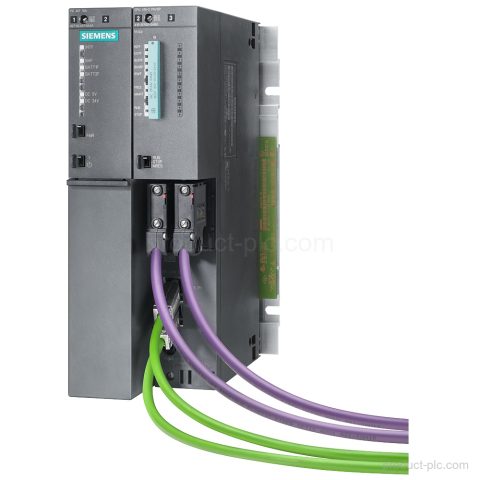
Product image

Model reference

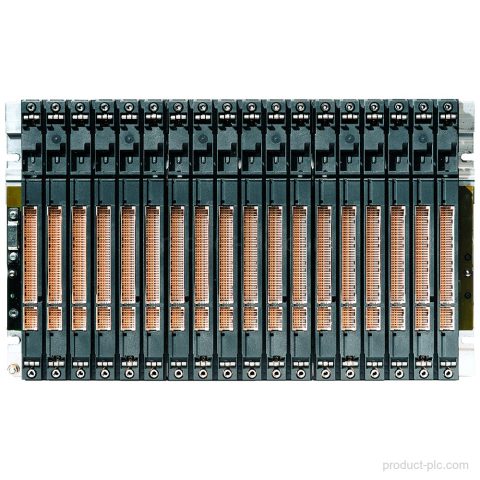
6ES7400-2JA10-0AA0 S7-400 Automation

Technical SummaryProduct type designationUR2-HNumber of slots18; 2 segments with 9 slots eachCommunication busYes; SeparatedP busYes; SeparatedRack configurationcentral and distributed with 2 x 9 slotsProduct lifecycleActive Product Key FeaturesProduct type designationUR2-H.Rack configurationCentral and distributed with 2 x 9 slots.Number of slots18; 2 segments with 9 slots each.Communication busYes; Separated.P busYes; Separated. ApplicationsCentral rack installationFor central installation…

We confirm price, condition, lead time and warranty terms for your exact model and quantity.

Product Parameters

Product Code
6ES7400-2JA10-0AA0
Dimensions
58.5 × 30.4 × 4.7 cm
Weight
3 kg
Lifecycle
Active Product
Availability
in stock
Lead Time
Confirmed with quotation
Product Attachment
Download Datasheet

Product Details

Technical Summary

Product type designation UR2-H
Number of slots 18; 2 segments with 9 slots each
Communication bus Yes; Separated
P bus Yes; Separated
Rack configuration central and distributed with 2 x 9 slots
Product lifecycle Active Product

Key Features

Product type designation
UR2-H.
Rack configuration
Central and distributed with 2 x 9 slots.
Number of slots
18; 2 segments with 9 slots each.
Communication bus
Yes; Separated.
P bus
Yes; Separated.

Applications

Central rack installation
For central installation in a SIMATIC S7-400 rack setup.
Distributed rack installation
For distributed installation in a SIMATIC S7-400 rack setup.

Frequently Asked Questions

What is 6ES7400-2JA10-0AA0 in the SIMATIC S7-400 series?

It is a SIMATIC S7-400 rack with product type designation UR2-H.

How many slots does the UR2-H rack have?

It has 18 slots in 2 segments with 9 slots each.

What rack configuration does 6ES7400-2JA10-0AA0 support?

It is configured for central and distributed use.

Which bus details are listed for this rack?

The communication bus is listed as Yes; Separated, and the P bus is listed as Yes; Separated.
Selection guidance

Confirm the right fit before purchase

We help procurement and maintenance teams turn a partial label or project requirement into a clear model-check request.

01

Model identification

Share the complete model, MLFB or a clear nameplate photo so we can review the product identity.

02

System context

Tell us whether the requirement is for a replacement, cabinet build, expansion or maintenance spare.

03

Commercial check

We confirm quantity, condition, destination, lead time and quotation terms for your order.

Request a quotation

Check supply details for 6ES7400-2JA10-0AA0

Use the form to send the model, quantity, destination and your requirement. We normally reply within one business day with the available quotation details.

  • The product model is filled in automatically.
  • Add version, interface or replacement questions in the message field.
  • For a partial label, attach the available model details or product photos by email after submitting.
Product RFQ6ES7400-2JA10-0AA0

* Email is required. Product and project details help us respond accurately.