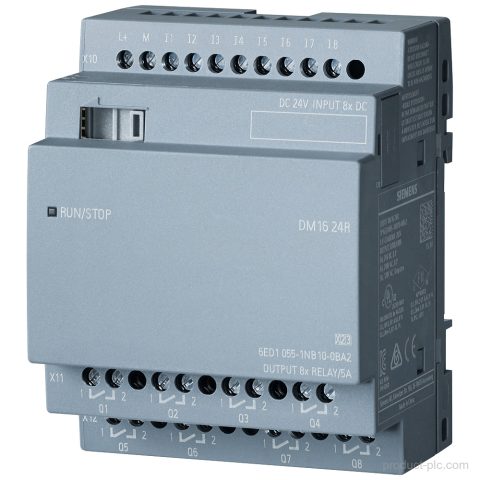
6ED1055-1NB10-0BA2
Siemens 6ED1055-1NB10-0BA2 belongs to the LOGO! DM16 24R expansion module range for LOGO! 8, with 8 DI/8 DO, relay outputs,…
Siemens automation product category
LOGO! logic modules, expansion units and operator components for small control tasks, building functions and compact machine panels.
Compare model references and available product information, then use Request a Quote to send the exact item to our team.
Siemens 6ED1055-1NB10-0BA2 belongs to the LOGO! DM16 24R expansion module range for LOGO! 8, with 8 DI/8 DO, relay outputs,…
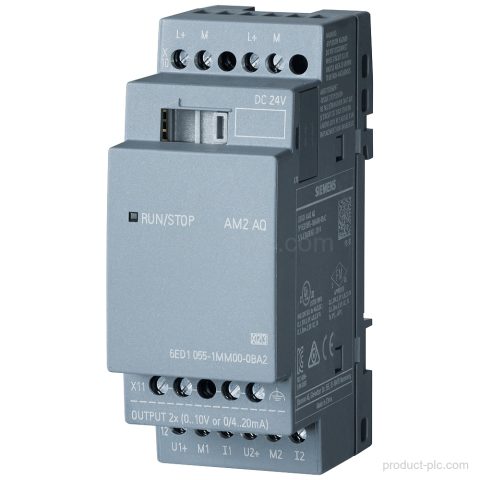
Siemens 6ED1055-1MM00-0BA2 is a LOGO! AM2 AQ expansion module for LOGO! 8 with 2 AO, 0-10 V, and 0/4-20 mA…
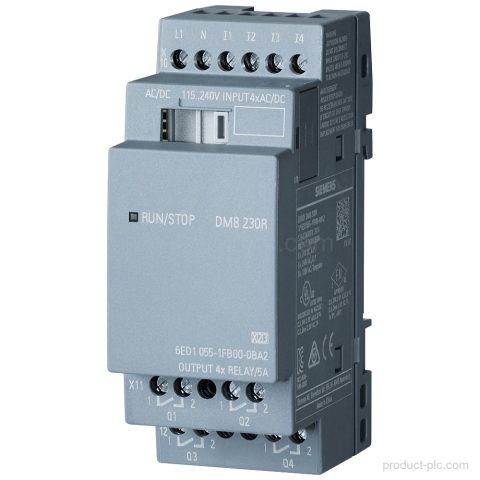
Siemens 6ED1055-1FB00-0BA2 LOGO! DM8 230R expansion module for LOGO! 8 with 4 DI/4 DO, relay outputs, and 230V/230V PS/I/O. Request…
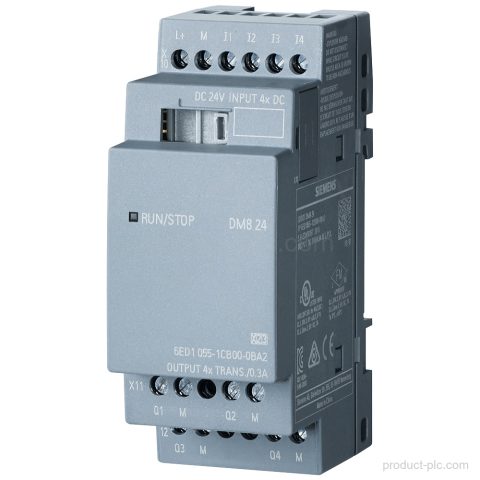
Siemens 6ED1055-1CB00-0BA2 LOGO! DM8 24 expansion module for LOGO! 8 with 4 DI and 4 DO, 24 V DC supply,…
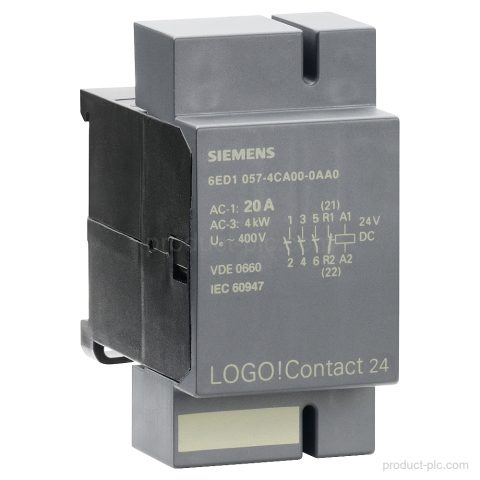
Siemens 6ED1057-4CA00-0AA0 is a LOGO! Contact switching module for the SIMATIC automation range. It supports 24 V DC supply, 3…
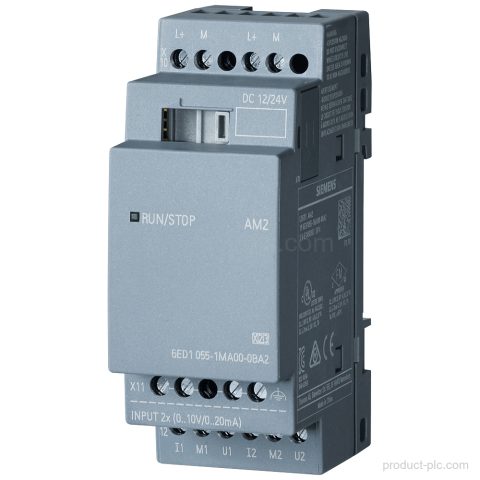
Siemens 6ED1055-1MA00-0BA2 is a LOGO! AM2 expansion module for LOGO! 8 with 2 AI, 0-10 V or 0/4-20 mA inputs,…
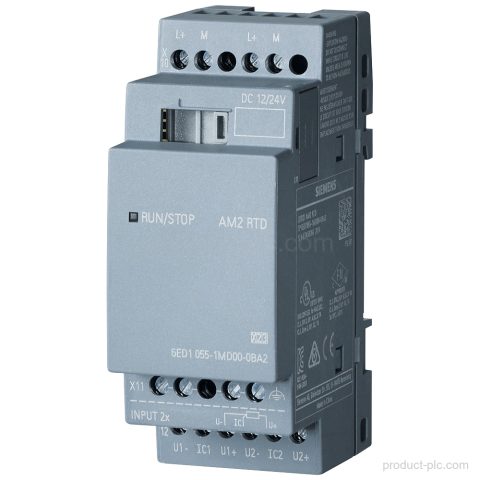
Siemens 6ED1055-1MD00-0BA2 is a LOGO! AM2 RTD expansion module for LOGO! 8 with 2 analog inputs, Pt100/Pt1000 support, and 12/24…
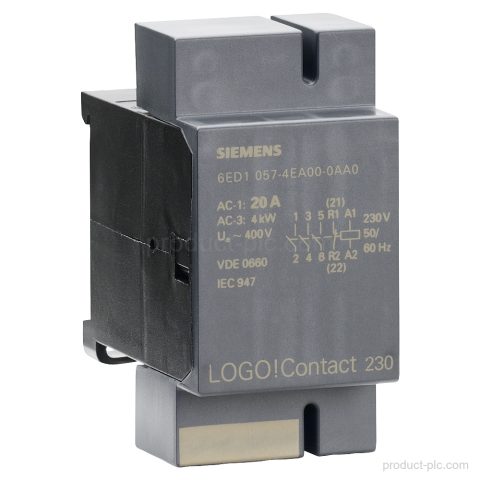
Siemens 6ED1057-4EA00-0AA0 LOGO!Contact 230 switching module for the LOGO! logic module family. Direct switching for resistive loads up to 20…
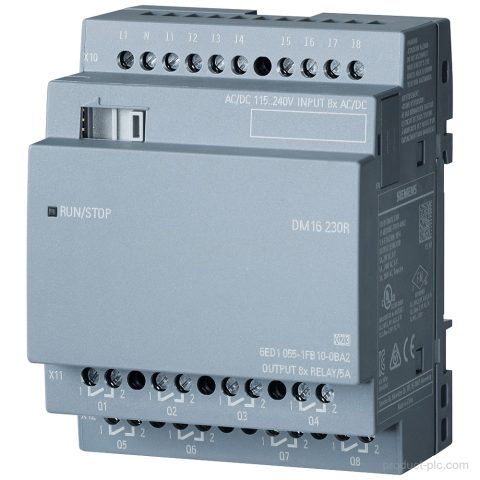
Siemens 6ED1055-1FB10-0BA2 is a LOGO! DM16 230R expansion module for LOGO! 8 with 8 DI and 8 relay DO. Request…
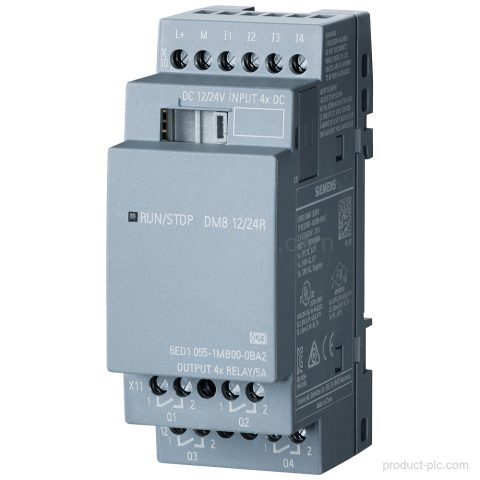
Siemens 6ED1055-1MB00-0BA2 is a LOGO! DM8 12/24R expansion module for LOGO! 8 with 4 DI/4 DO, relay outputs, and 35…
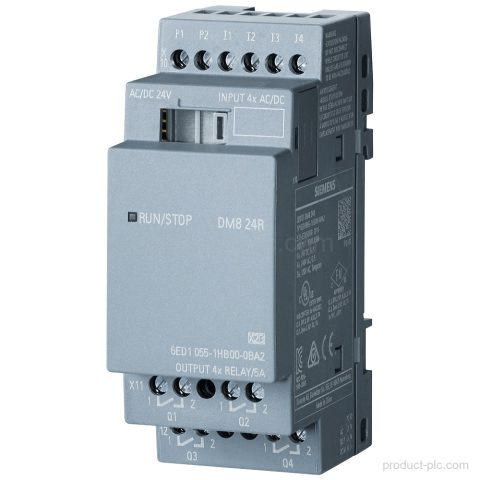
Siemens 6ED1055-1HB00-0BA2 is a LOGO! DM8 24R expansion module for LOGO! 8. It provides 4 DI / 4 DO, AC/DC/NPN…
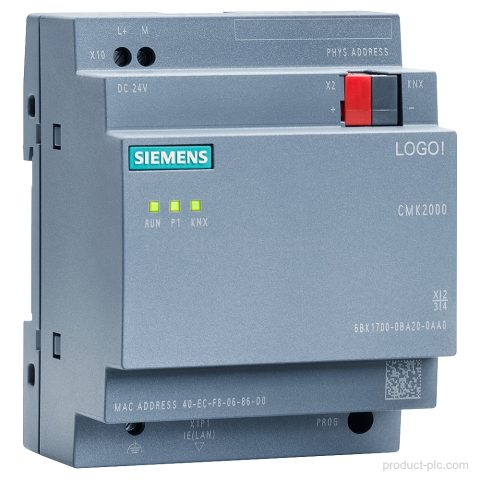
Siemens 6BK1700-0BA20-0AA0 is a LOGO! CMK2000 communication module for LOGO! 8 and KNX integration. Includes 1 RJ45 Ethernet port, web…
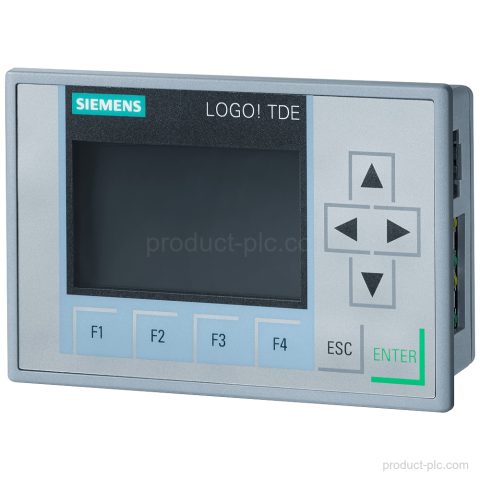
Siemens 6ED1055-4MH08-0BA1 LOGO! TDE text display for LOGO! 8 and higher. 6-line display, 2 Ethernet ports, AC/DC supply, and IP65…
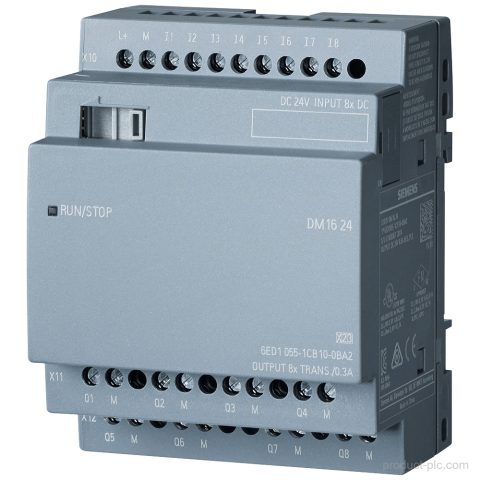
Siemens 6ED1055-1CB10-0BA2 LOGO! DM16 24 expansion module for LOGO! 8 with 8 DI, 8 DO, 24 V DC supply, and…
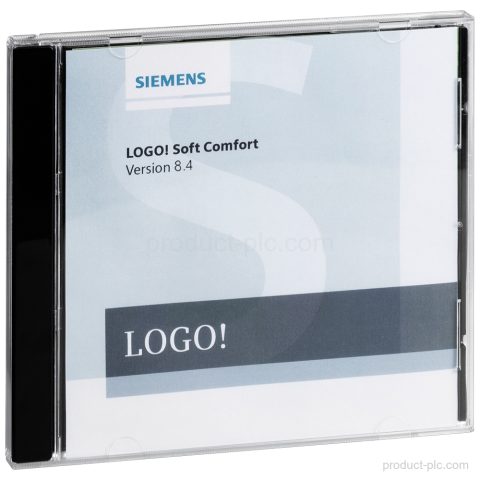
Siemens 6ED1058-0BA08-0YA1 LOGO! Soft Comfort V8.4 is a single license for 1 installation with DVD documentation and multi-OS support. Request…
Category guidance
We organise LOGO! Control Solutions by product family and model so you can compare the entries that match your control, visualisation, communication or maintenance requirement.
Send us the complete model or MLFB, quantity and destination when you need a quotation. For an installed or legacy unit, include a nameplate photo or any available system information so we can identify the product correctly.
Quote checklist
Send the information below so we can identify the requested Siemens product and prepare the quotation.
Send the complete Siemens model or MLFB. Add a clear nameplate photo if the identifier is incomplete.
Include the required interfaces, hardware version, expansion, mounting and software details when relevant.
Add the quantity, required condition, delivery country and target date for each item.
Tell us whether the part is for new equipment, maintenance, retrofit or an installed unit.
Multiple models
You can include several Siemens model numbers in one inquiry. Add the quantity and destination for each item, then describe any replacement, interface or installation requirements.