6ES7193-6LA10-0AA0
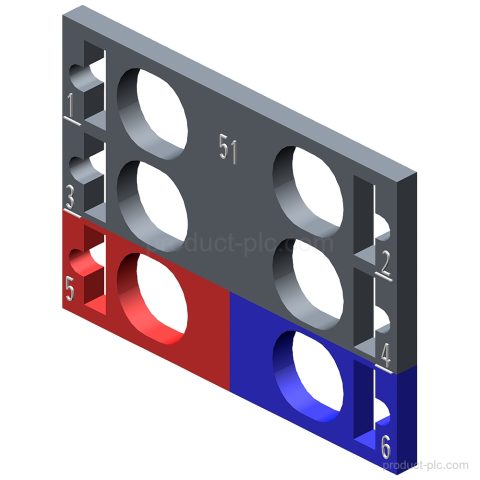
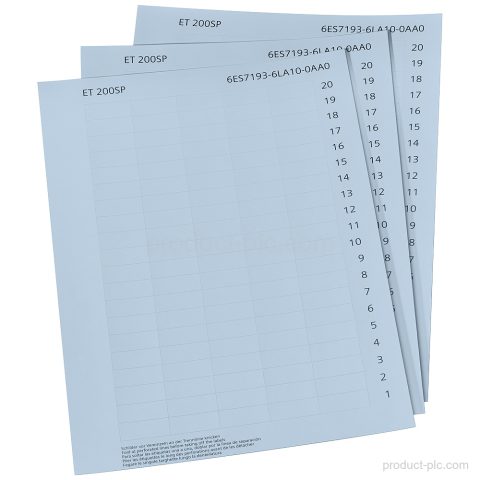
Siemens 6ES7193-6LA10-0AA0 is a SIMATIC ET 200SP/BL accessory with 1 000 light gray paper labeling strips on 10 DIN A4…

Siemens automation product category
ET 200SP interface, signal, technology and power modules for compact distributed stations, machine cabinets and PROFINET I/O expansion.
Compare model references and available product information, then use Request a Quote to send the exact item to our team.
Siemens 6ES7193-6LA10-0AA0 is a SIMATIC ET 200SP/BL accessory with 1 000 light gray paper labeling strips on 10 DIN A4…
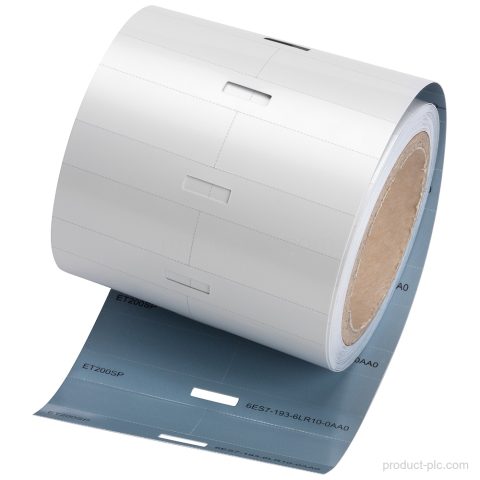
Siemens 6ES7193-6LR10-0AA0 is a SIMATIC ET 200SP/BL labeling strips item with 500 strips per roll, light gray finish, and defined…
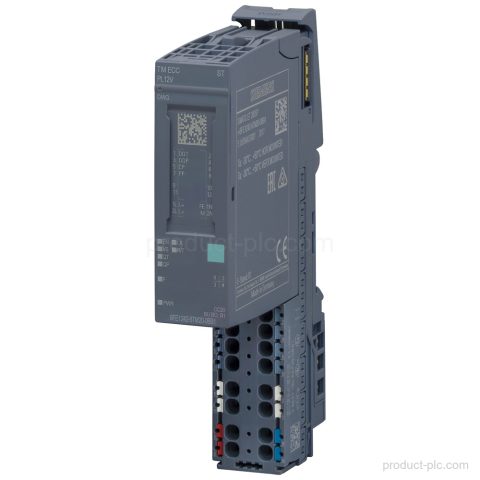
Siemens 6FE1242-6TM20-0BB1 in the SIMATIC ET 200SP ECC charging controller range, with ECC PL ST type, 24 V DC supply,…
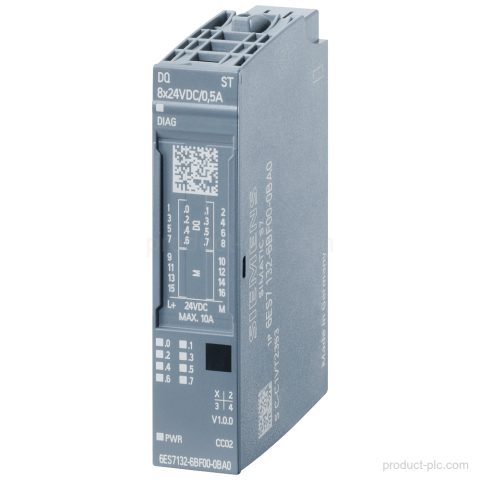
Siemens 6ES7132-6BF00-0CA0 in SIMATIC ET 200SP: DQ 8x24 V DC/0.5 A HF digital output module with source output PNP, 8…
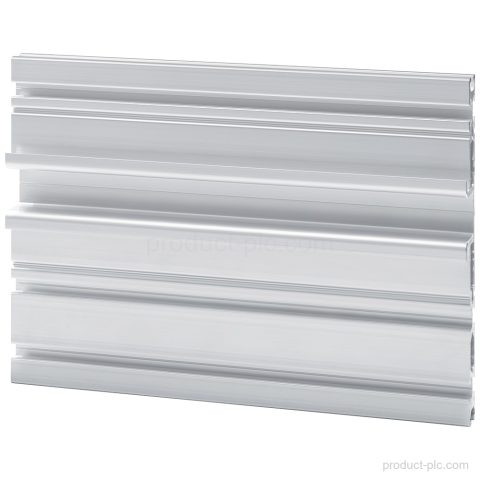
Siemens 6ES7193-6MR00-0CA0 SIMATIC ET 200SP system rail for control cabinet mounting, 830 mm length, DIN mounting rail according to EN…
Siemens 6ES7193-6CP51-2MC0 is a SIMATIC ET 200SP color-coded labels product for I/O modules with Color code CC51 and 12 push-in…
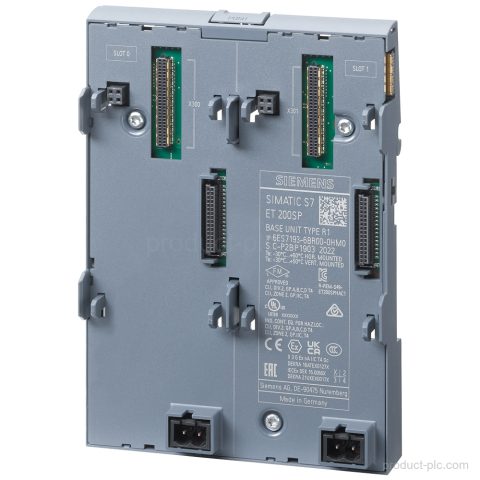
Siemens 6ES7193-6BR00-0HM0 is a SIMATIC ET 200SP BaseUnit M0 with 2 slots for an R1-capable Interface module IM 155-6 PN…
Siemens 6ES7193-6CP86-2AC0 is a SIMATIC ET 200SP accessory with 10 color-coded labels, Color code CC86, for 2 AUX terminals, BU…
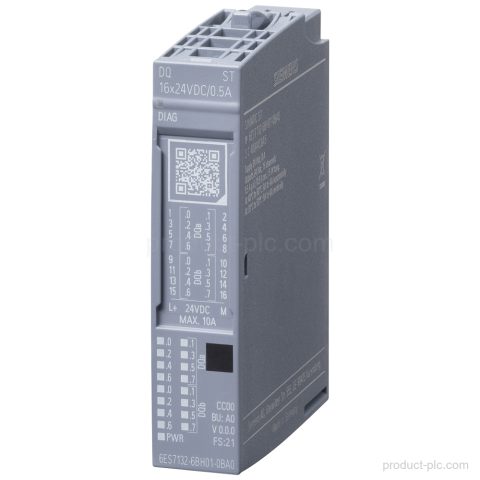
Siemens 6ES7132-6BH01-0BA0 is a SIMATIC ET 200SP digital output module with DQ 16x24VDC/0.5 ST, Source output (PNP), and BU type…
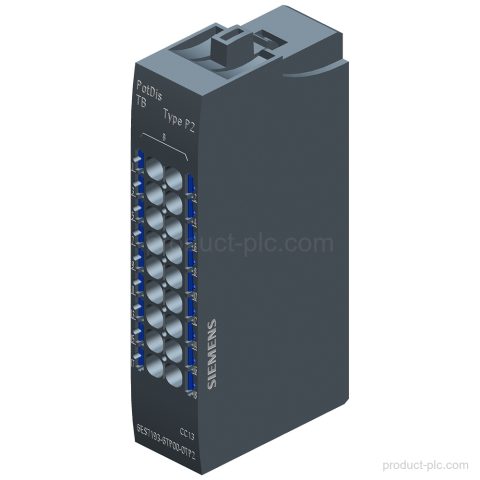
Siemens 6ES7193-6TP00-0TP2 is a SIMATIC ET 200SP potential distributor module with PotDis-TB-P2-B design, 18 terminals to potential P2, and Push-In…
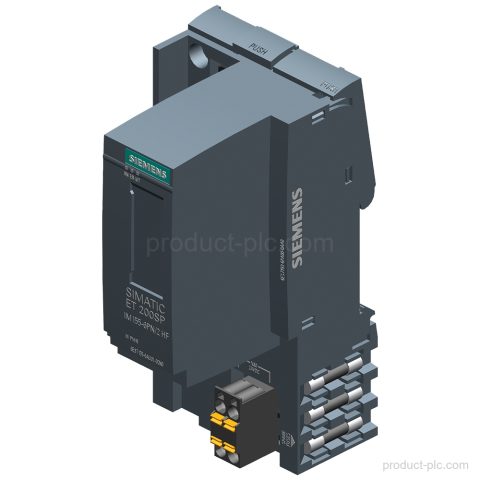
Siemens 6ES7155-6AU01-0CN0 belongs to the SIMATIC ET 200SP interface module range as IM 155-6 PN/2 HF with 2 ports and…
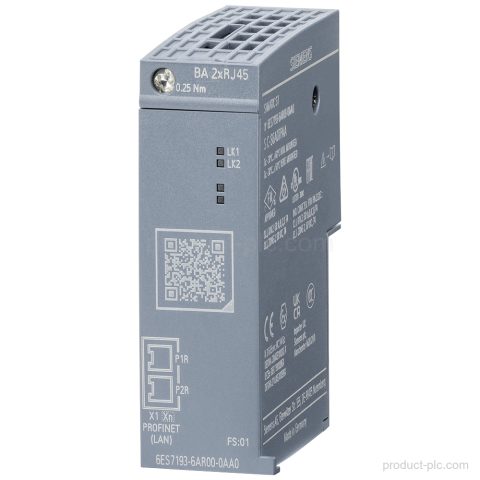
Siemens 6ES7193-6AR00-0AA0 is a SIMATIC ET 200SP BusAdapter with BA 2x RJ45 and 2 RJ45 sockets. Check the PROFINET interface…
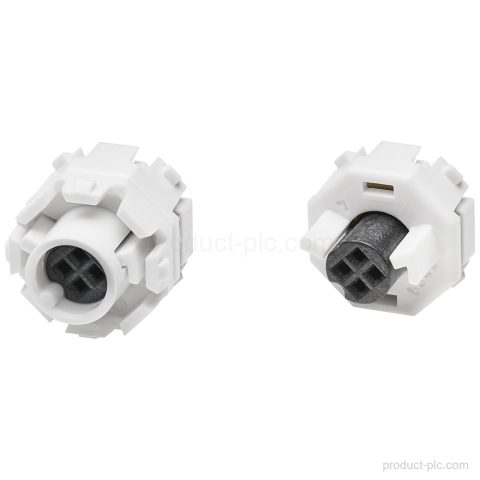
Siemens 6ES7193-6EF00-1AA0 is a SIMATIC DP spare part for ET 200SP, E-coding element type F, supplied 5 units per packing…
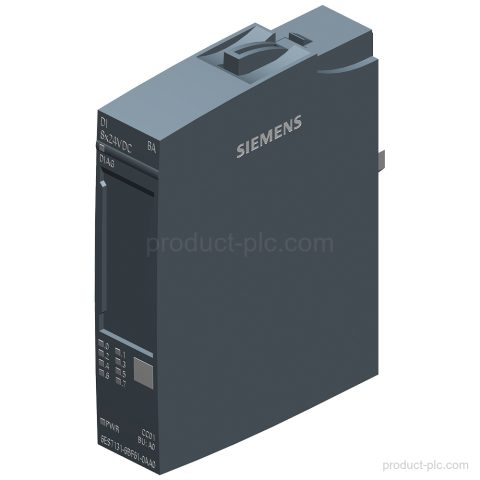
Siemens 6ES7131-6BF61-0AA0 is a SIMATIC ET 200SP digital input module with DI 8x24V DC SRC BA, BU type A0 support,…
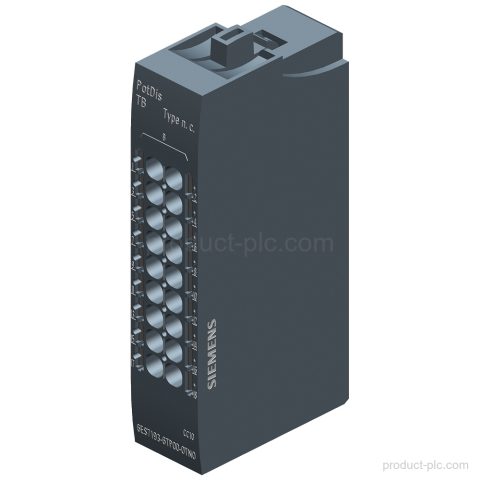
Siemens 6ES7193-6TP00-0TN0 is a SIMATIC ET 200SP PotDis-TB-n.c.-G potential distributor module with Push-In terminals and no connection to P1, P2,…
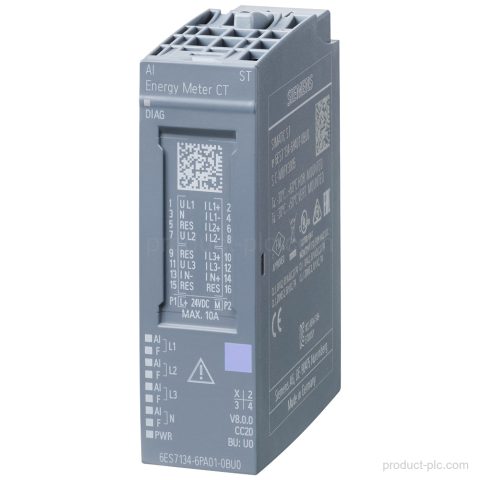
Siemens 6ES7134-6PA01-0BU0 is an AI Energy Meter CT ST for SIMATIC ET 200SP, with 1A or 5A current transformer support,…
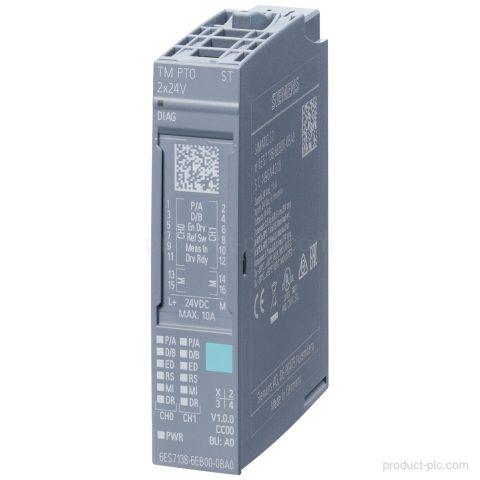
Siemens 6ES7138-6EB00-0BA0 is a SIMATIC ET 200SP TM PTO 2x24V interface module for stepper drives with 2 channels, 24 V…
Siemens 6ES7193-6CP84-2AC0 from SIMATIC ET 200SP is a set of 10 color-coded labels with Color code CC84 for 2 AUX…
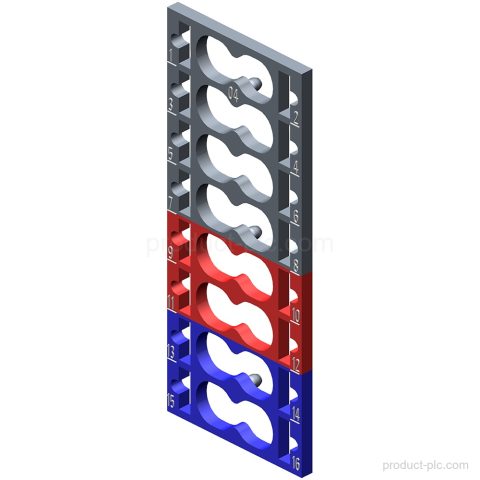
Siemens 6ES7193-6CP04-2MA0 from the SIMATIC ET 200SP range: Color-coded labels CC04 for I/O modules, module-specific, for 16 push-in terminals. Request…
Siemens 6ES7193-6CP41-2MB0 in the SIMATIC ET 200SP range: color-coded labels, Color code CC41, for I/O modules and 12 push-in terminals.…
Category guidance
We organise ET 200SP Distributed I/O by product family and model so you can compare the entries that match your control, visualisation, communication or maintenance requirement.
Send us the complete model or MLFB, quantity and destination when you need a quotation. For an installed or legacy unit, include a nameplate photo or any available system information so we can identify the product correctly.
Quote checklist
Send the information below so we can identify the requested Siemens product and prepare the quotation.
Send the complete Siemens model or MLFB. Add a clear nameplate photo if the identifier is incomplete.
Include the required interfaces, hardware version, expansion, mounting and software details when relevant.
Add the quantity, required condition, delivery country and target date for each item.
Tell us whether the part is for new equipment, maintenance, retrofit or an installed unit.
Multiple models
You can include several Siemens model numbers in one inquiry. Add the quantity and destination for each item, then describe any replacement, interface or installation requirements.