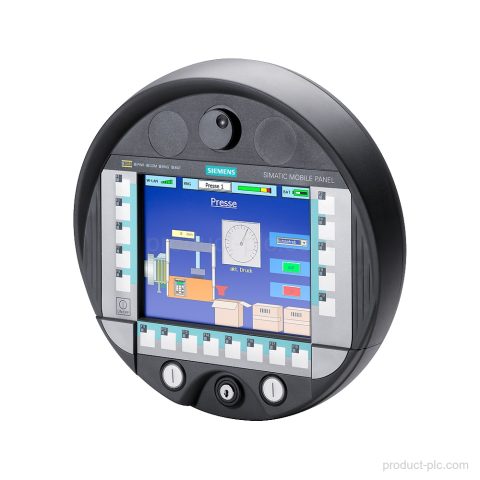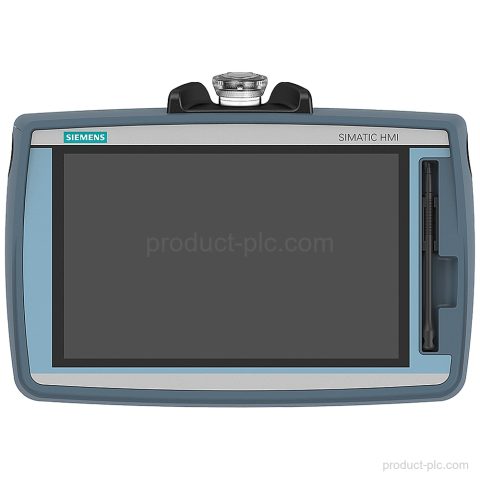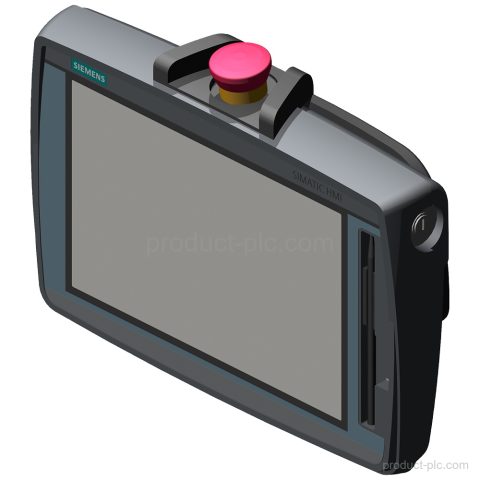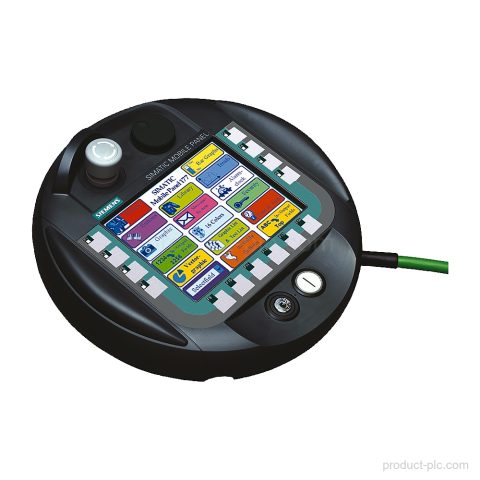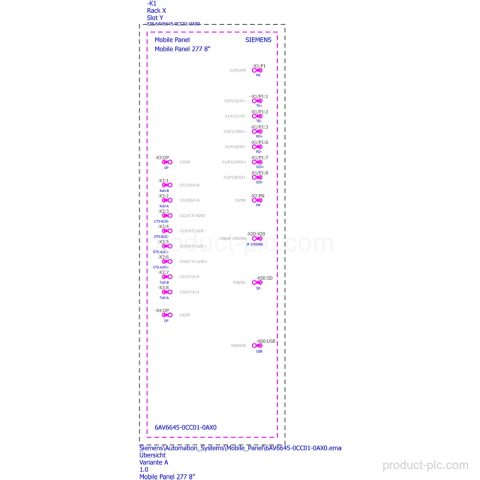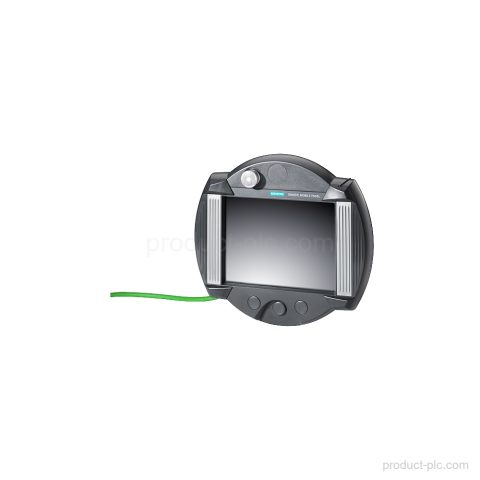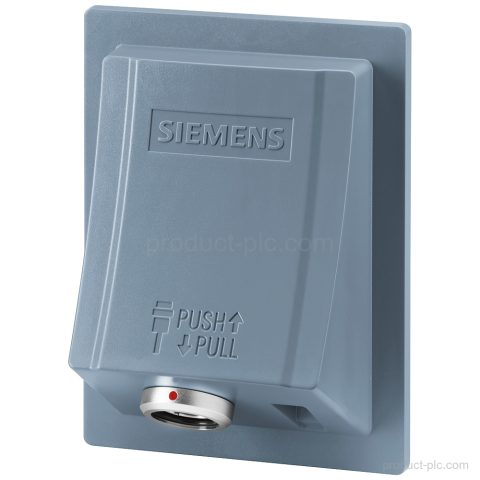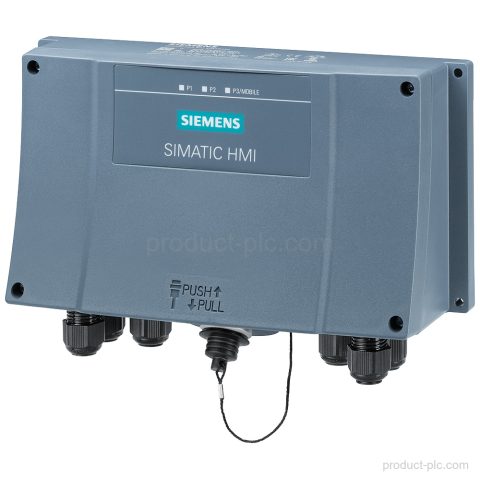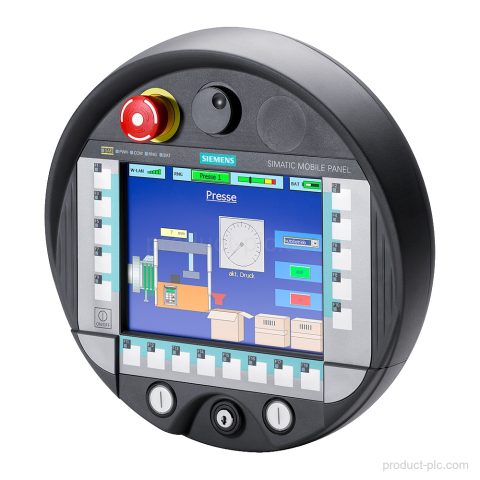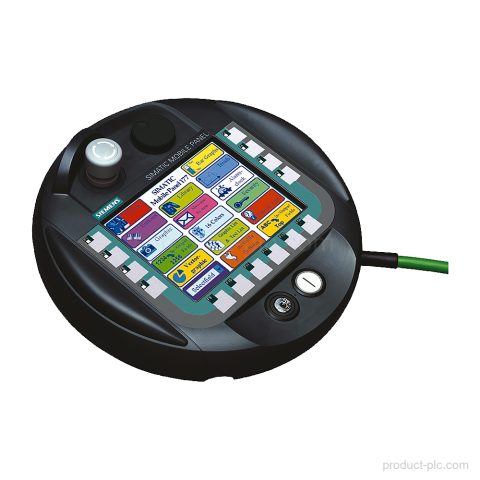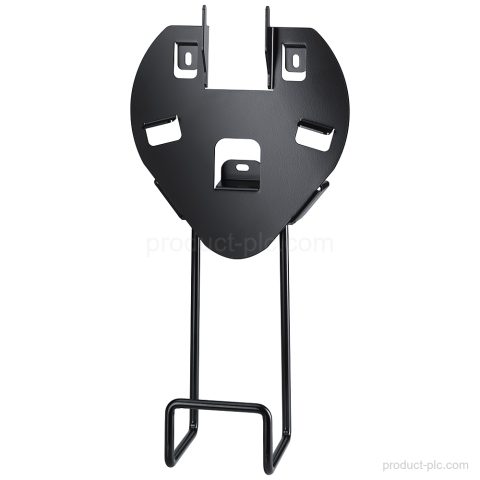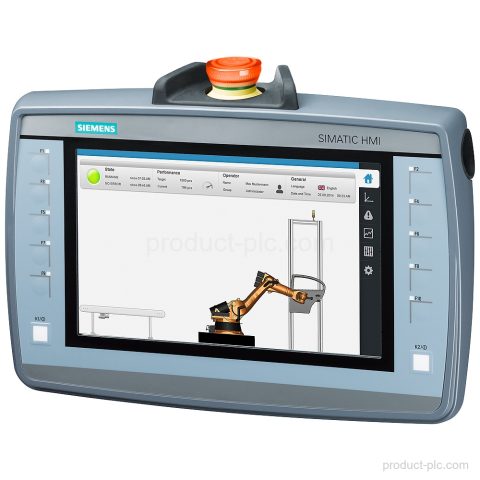
6AV2125-2JB23-0AX0
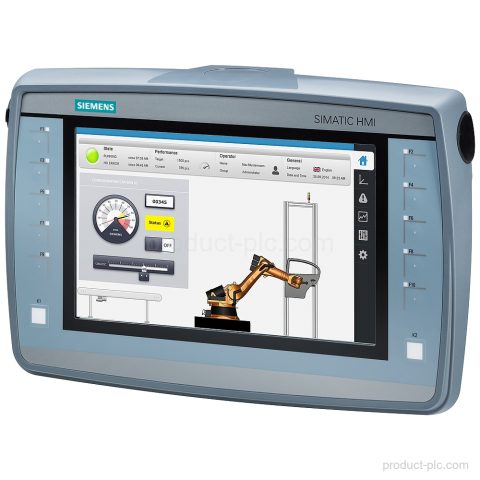
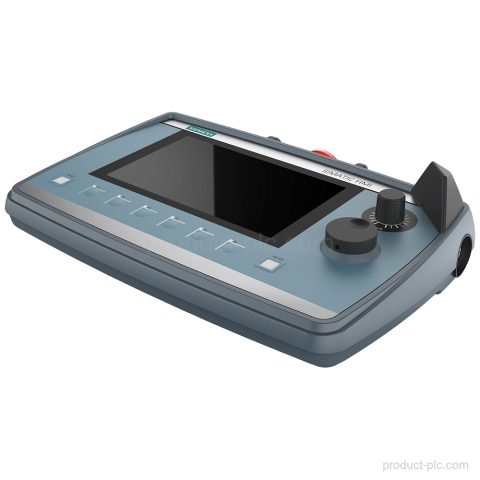
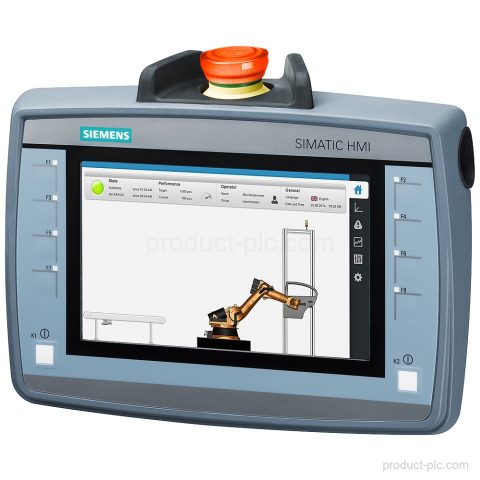
Siemens 6AV2125-2JB23-0AX0 KTP900F Mobile is a SIMATIC HMI Mobile Panel with 9 in TFT display, PROFINET/Industrial Ethernet, key and touch…

Siemens automation product category
Handheld and mobile SIMATIC HMI units bring controls to the operator’s work position for setup, servicing and machine intervention.
Compare model references and available product information, then use Request a Quote to send the exact item to our team.
Siemens 6AV2125-2JB23-0AX0 KTP900F Mobile is a SIMATIC HMI Mobile Panel with 9 in TFT display, PROFINET/Industrial Ethernet, key and touch…
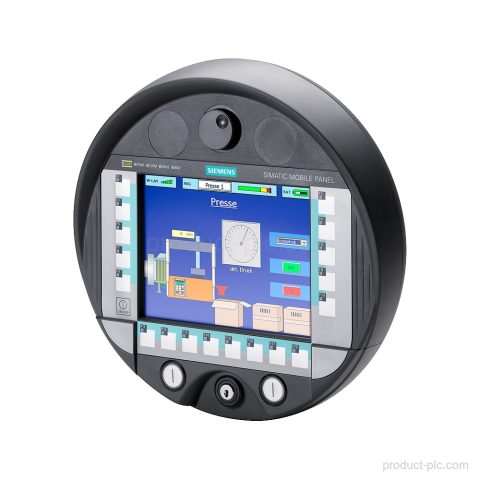
Siemens 6AV6645-0DD01-0AX1 is a SIMATIC Mobile Panel 277 IWLAN V2 with 7.5 in TFT display, wireless LAN, PROFINET IO, and…
Siemens 6AV2145-6KB10-0AS0 TP1000F Mobile RO with 10.1 in TFT, 1280 x 800, PROFINET/Industrial Ethernet, USB, and SD card slot. Request…
Siemens 6AV2145-6KB20-0AS0 TP1000F Mobile HMI Panel with 10.1 in TFT widescreen display, 1x PROFINET/Industrial Ethernet interface, and IP65 protection. Request…
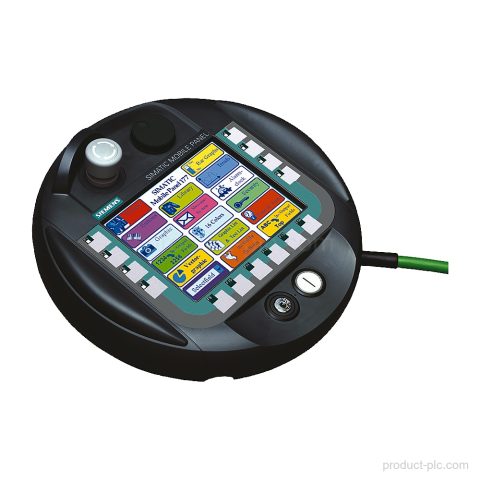
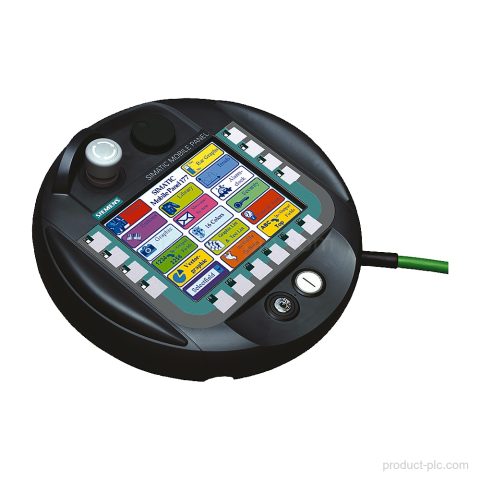
Siemens 6AV6645-0BA01-0AX0 Mobile Panel 177 PN for HMI Mobile Panels, with integrated acknowledgment button and configuration in WinCC flexible Compact…
Siemens 6AV6645-0CC01-0AX0 is a SIMATIC Mobile Panel 277 with a 7.5 in TFT display, keys and touch control, and RS…
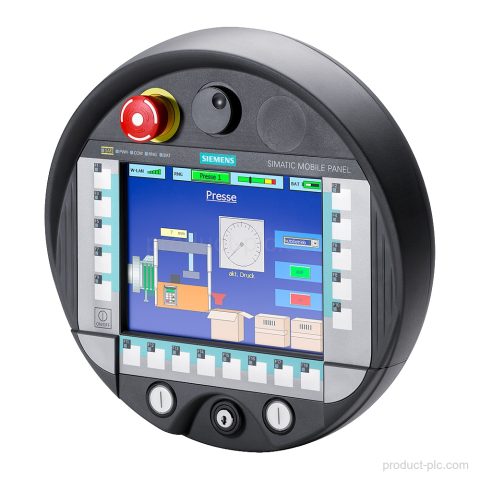
Siemens 6AV6645-0BE02-0AX0 Mobile Panel 277 for SIMATIC HMI applications. 10.4 in TFT touch display, integrated acknowledgment button and stop pushbutton,…
Siemens 6AV2125-2AE03-0AX0 is a SIMATIC HMI connection box for Mobile Panels with control cabinet installation, 2 PROFINET interfaces, and PROFINET/PROFIsafe…
Siemens 6AV2125-2AE23-0AX0 is a SIMATIC HMI connection box for Mobile Panels with wall mounting, PROFINET, PROFIsafe, integrated switch, and MRP…
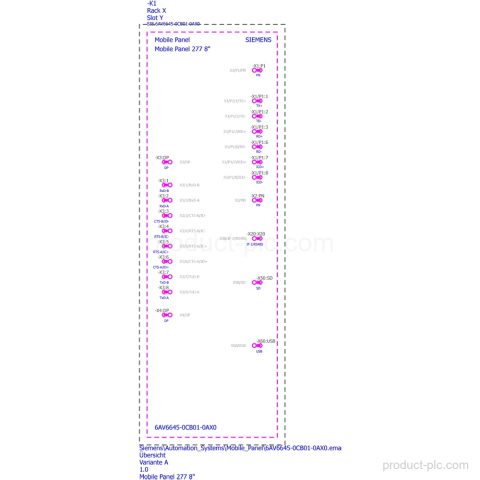
Siemens 6AV6645-0CB01-0AX0 Mobile Panel 277 with TFT 7.5 in color display, keys and touch operation, and integrated acknowledgment button and…
Siemens 6AV6645-0DE01-0AX1 is a Mobile Panel 277 IWLAN V2 spare part with handwheel, key-operated switch, two illuminated pushbuttons, and WinCC…
Siemens 6AV2125-2GB03-0AX0 KTP700 Mobile is a 7 in SIMATIC HMI panel with 800 x 480 display, key and touch operation,…
Siemens 6AV2145-8GB01-0AA0 KTP700F Mobile Panel from the SIMATIC HMI Mobile Panels 2nd Generation range with 7 in TFT widescreen display,…
Siemens 6AV6645-0BC01-0AX0 Mobile Panel 177 PN spare part with 5.7 in STN color display, PROFINET IO support, and integrated operator…
Siemens 6AV6645-0AC01-0AX0 in the SIMATIC HMI Mobile Panels range. Mobile Panel 177 DP with integrated acknowledgment button, stop pushbutton, handwheel,…
Siemens 6AV2125-2GB23-0AX0 is a KTP700F Mobile HMI in the Mobile Panels 2nd Generation range. Review the 7 in TFT, 8…
Siemens 6AV6645-0EB01-0AX1 is a Mobile Panel 277 IWLAN V2 for SIMATIC HMI use, with 7.5 in TFT display, integrated acknowledgment…
Siemens 6AV6645-0EC01-0AX1 belongs to the SIMATIC Mobile Panel 277 IWLAN V2 range with integrated safety controls, 7.5 in TFT display,…
Siemens 6AV6645-0AB01-0AX0 is a SIMATIC Mobile Panel 177 DP for exact model identification, with integrated stop and acknowledgement buttons, PROFIBUS…
Siemens 6AV6645-7CX04-1WP0 is a wall-mounting bracket for Mobile Panel, type 11. It supports portrait-format mounting and helps identify the exact…
Category guidance
We organise Mobile Operator Interfaces by product family and model so you can compare the entries that match your control, visualisation, communication or maintenance requirement.
Send us the complete model or MLFB, quantity and destination when you need a quotation. For an installed or legacy unit, include a nameplate photo or any available system information so we can identify the product correctly.
Quote checklist
Send the information below so we can identify the requested Siemens product and prepare the quotation.
Send the complete Siemens model or MLFB. Add a clear nameplate photo if the identifier is incomplete.
Include the required interfaces, hardware version, expansion, mounting and software details when relevant.
Add the quantity, required condition, delivery country and target date for each item.
Tell us whether the part is for new equipment, maintenance, retrofit or an installed unit.
Multiple models
You can include several Siemens model numbers in one inquiry. Add the quantity and destination for each item, then describe any replacement, interface or installation requirements.