6AV2124-0MC01-0AX0
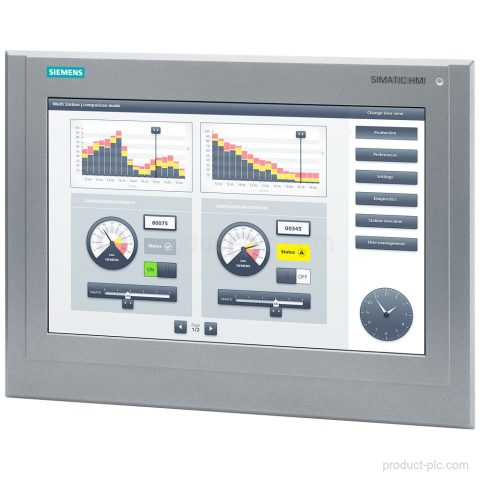
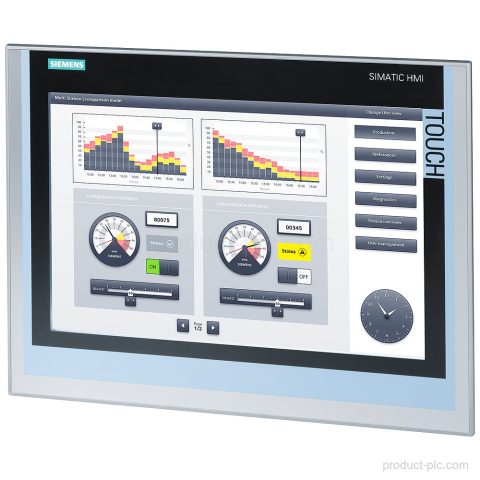
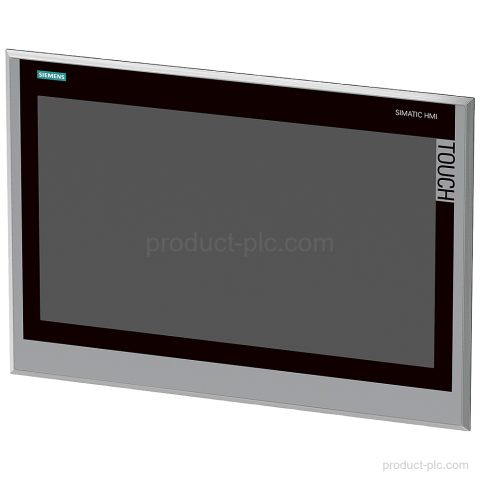
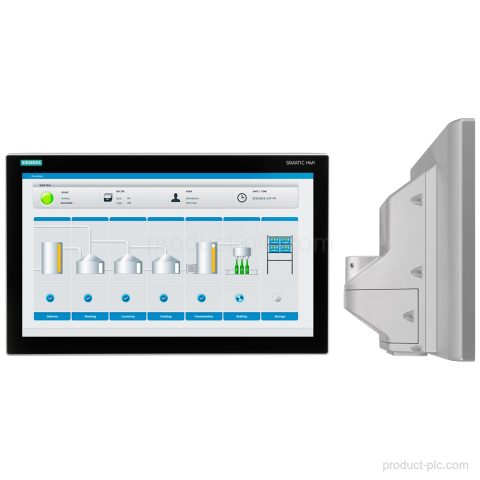
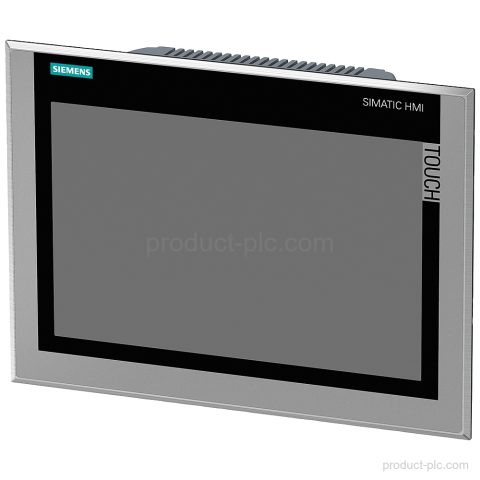
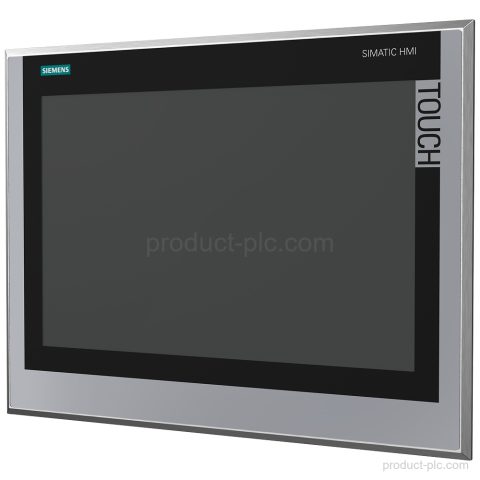
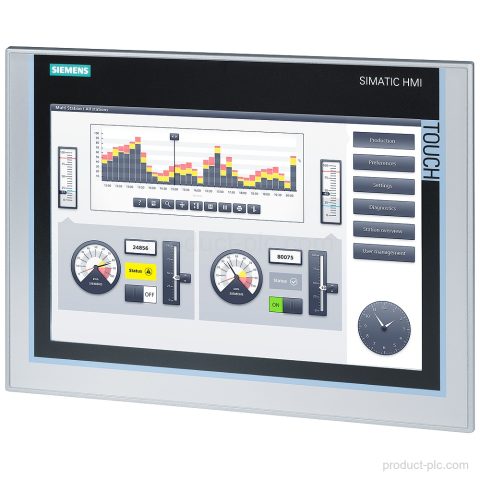
Siemens 6AV2124-0MC01-0AX0 is a SIMATIC HMI TP1200 Comfort panel with 12.1 in TFT touch display, PROFINET, and MPI/PROFIBUS DP interfaces.…

Siemens automation product category
Comfort Panels handle detailed process graphics, alarms, recipes and diagnostics for production equipment with more demanding HMI requirements.
Compare model references and available product information, then use Request a Quote to send the exact item to our team.
Siemens 6AV2124-0MC01-0AX0 is a SIMATIC HMI TP1200 Comfort panel with 12.1 in TFT touch display, PROFINET, and MPI/PROFIBUS DP interfaces.…
Siemens 6AV2124-0QC13-0AX0 is a TP1500 Comfort Outdoor HMI panel with 15.4 in daylight-readable TFT, PROFINET, MPI/PROFIBUS DP, and 24 V…
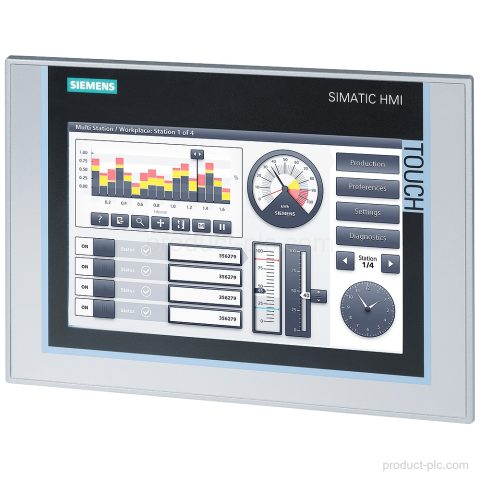
Siemens 6AV2124-0JC01-0AX0 belongs to the SIMATIC HMI TP900 Comfort family. It features a 9 in widescreen TFT display, PROFINET, MPI/PROFIBUS…
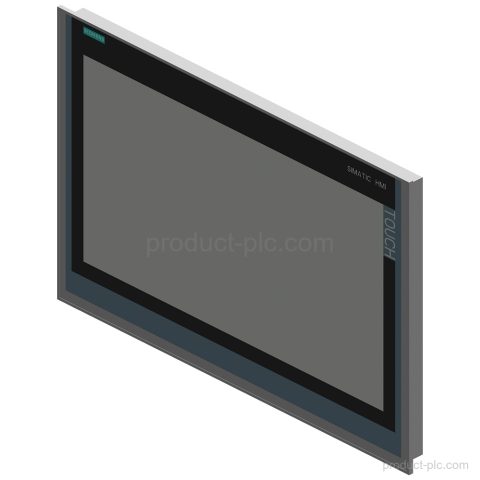
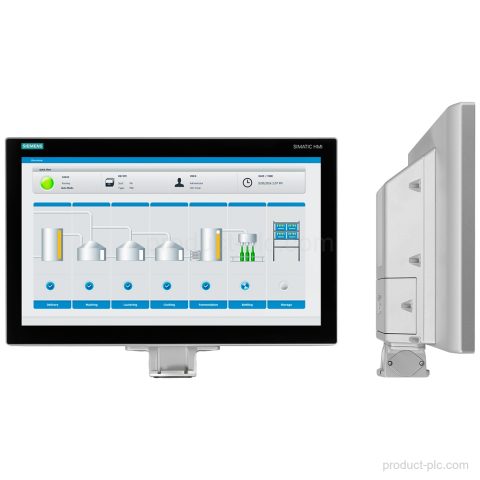
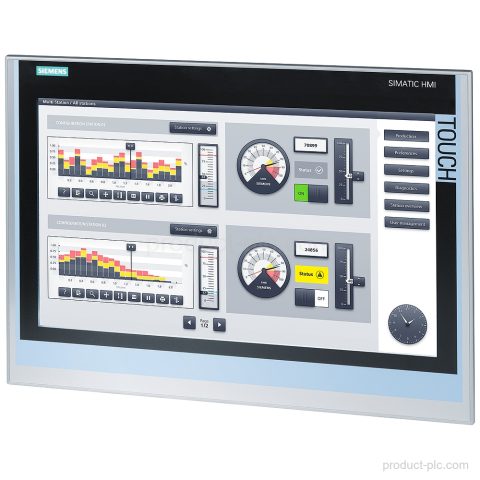
Siemens 6AV2124-0XC02-0AX1 is a SIMATIC HMI TP2200 Comfort panel with a 22" widescreen TFT display, PROFINET and MPI/PROFIBUS DP interfaces,…
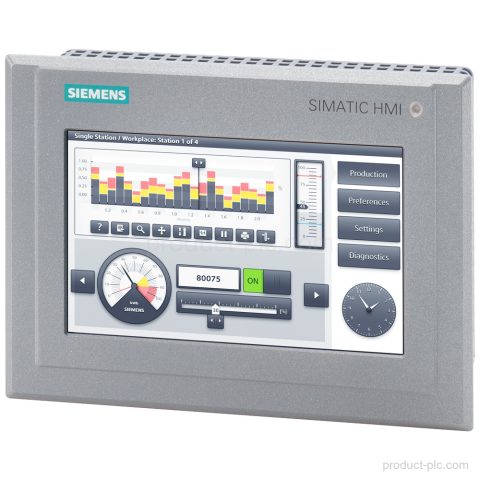
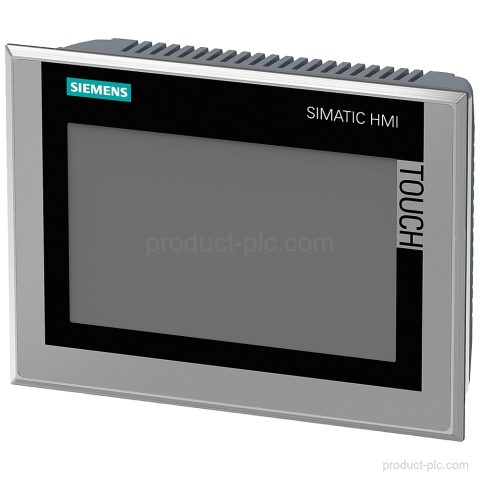
Siemens 6AV2124-0GC13-0AX0 is a TP700 Comfort Outdoor panel in the SIMATIC HMI Comfort Panels range with a 7 in widescreen…
Siemens 6AV2124-0QC02-0AX0 TP1500 Comfort HMI with 15.4 in TFT display, PROFINET and MPI/PROFIBUS DP interfaces, 24 MB configuration memory, and…
Siemens 6AV2144-8UC10-0AA1 TP1900 Comfort INOX for SIMATIC HMI Comfort Panels, with PROFINET and MPI/PROFIBUS DP interfaces, IP66K front, and 24…
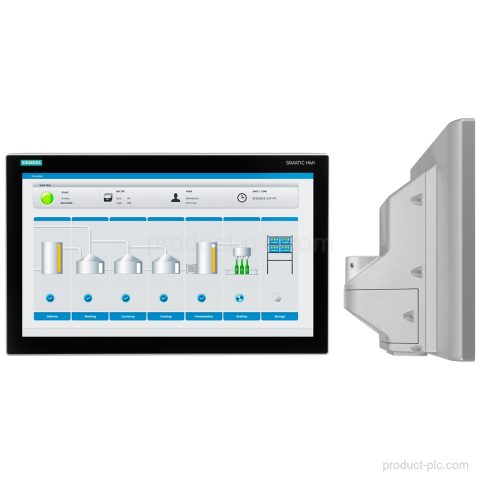
Siemens 6AV2124-0QC24-0BX0 is a TP1500 Comfort PRO HMI panel with a 15.6 in TFT touch display, PROFINET and PROFIBUS interfaces,…
Siemens 6AV2124-0UC24-0BX0 TP1900 Comfort PRO HMI Comfort Panel with 18.5 in TFT display, PROFINET, PROFIBUS and MPI. Request a model-specific…
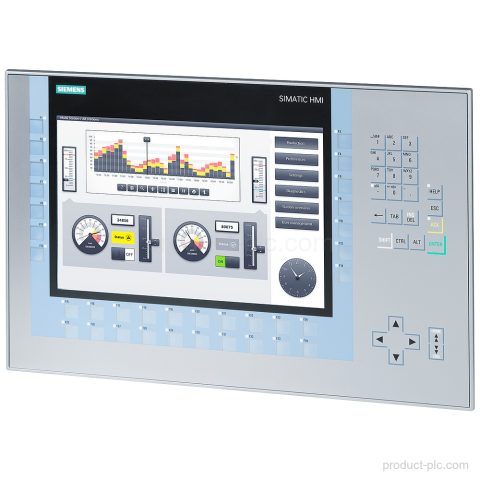
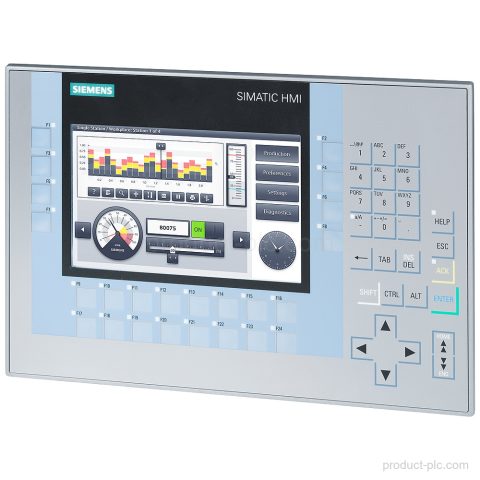
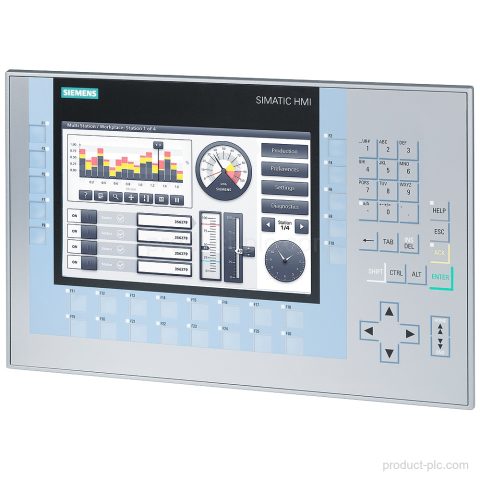
Siemens 6AV2124-1MC01-0AX0 in the SIMATIC HMI Comfort Panels range, with KP1200 Comfort designation, 12.1 in TFT display, PROFINET, and MPI/PROFIBUS…
Siemens 6AV2124-0XC24-1AB0 is a SIMATIC HMI TP2200 Comfort PRO panel with 21.5 in TFT display, PROFINET and MPI/PROFIBUS DP interfaces,…
Siemens 6AV2124-0QC24-1AX0 is a SIMATIC HMI TP1500 Comfort PRO panel with 15.6 in TFT touch display, PROFINET, MPI/PROFIBUS DP, and…
Siemens 6AV2144-8MC10-0AA0 belongs to the SIMATIC HMI TP1200 Comfort INOX range. Review the 12.1 in TFT display, PROFINET and PROFIBUS…
Siemens 6AV2124-1GC01-0AX0 in the SIMATIC HMI Comfort Panels range: KP700 Comfort with key operation, 7 in TFT display, PROFINET, and…
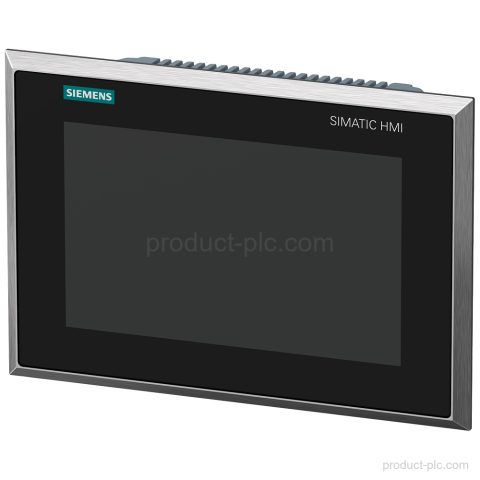
Siemens 6AV2144-8GC10-0AA0 is a TP700 Comfort INOX panel in the SIMATIC HMI Comfort Panels range. It features a stainless steel…
Siemens 6AV2144-8JC20-0AA0 is a TP900 Comfort INOX PCT with 9 in display, capacitive touch, PROFINET and PROFIBUS interfaces. Request a…
Siemens 6AV2124-0UC02-0AX1 is a SIMATIC HMI TP1900 Comfort panel with a 19" widescreen TFT display, PROFINET and MPI/PROFIBUS DP interfaces,…
Siemens 6AV2144-8QC10-0AA1 is a SIMATIC HMI TP1500 Comfort INOX panel with a 15.4 in TFT display, PROFINET and MPI/PROFIBUS DP…
Siemens 6AV2124-1JC01-0AX0 KP900 Comfort HMI panel with 9 in widescreen TFT display, PROFINET and MPI/PROFIBUS DP interfaces, and 12 MB…
Siemens 6AV2124-0XC24-0BX0 TP2200 Comfort PRO in the HMI Comfort Panels range, with PROFINET, PROFIBUS, 21.5 in TFT touch display, and…
Category guidance
We organise Comfort Operator Interfaces by product family and model so you can compare the entries that match your control, visualisation, communication or maintenance requirement.
Send us the complete model or MLFB, quantity and destination when you need a quotation. For an installed or legacy unit, include a nameplate photo or any available system information so we can identify the product correctly.
Quote checklist
Send the information below so we can identify the requested Siemens product and prepare the quotation.
Send the complete Siemens model or MLFB. Add a clear nameplate photo if the identifier is incomplete.
Include the required interfaces, hardware version, expansion, mounting and software details when relevant.
Add the quantity, required condition, delivery country and target date for each item.
Tell us whether the part is for new equipment, maintenance, retrofit or an installed unit.
Multiple models
You can include several Siemens model numbers in one inquiry. Add the quantity and destination for each item, then describe any replacement, interface or installation requirements.