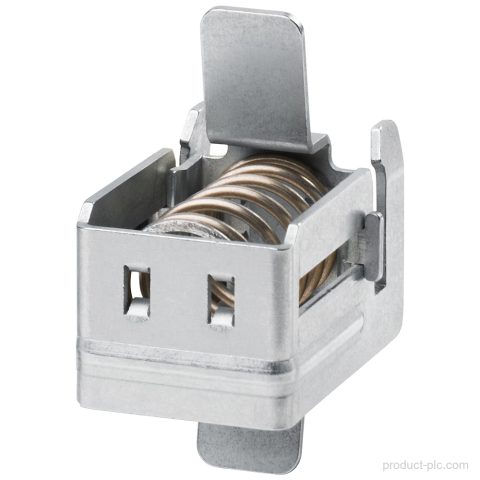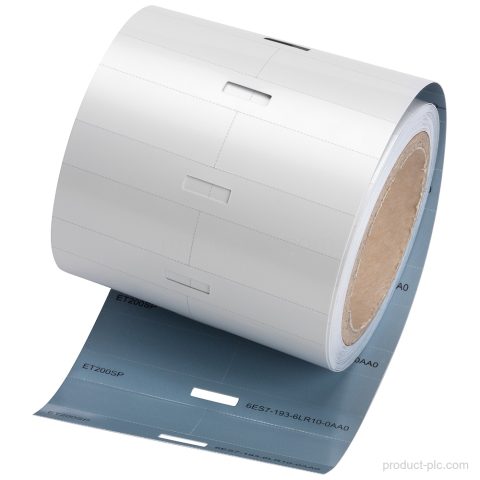
Product image

Model reference

6ES7193-6CP41-2MB0 ET 200SP Distributed I/O

Technical SummaryProduct type designationColor-coded labelsProduct familySIMATIC ET 200SPColor codeCC41Quantity10Usefor I/O modulesTerminal countfor 12 push-in terminalsLifecycleActive ProductAbsolute humidity, dew point, min.-60 °C; suitable for dry room applications Key Features10 color-coded labelsSupplied as 10 color-coded labels.Color code CC41Uses Color code CC41.For I/O modulesIntended for I/O modules.Module-specificDesigned as a module-specific accessory.For 12 push-in terminalsConfigured for 12 push-in terminals.…

We confirm price, condition, lead time and warranty terms for your exact model and quantity.

Product Parameters

Product Code
6ES7193-6CP41-2MB0
Dimensions
9.3 × 8.3 × 1.7 cm
Weight
0.007 kg
Lifecycle
Active Product
Availability
in stock
Lead Time
Confirmed with quotation
Product Attachment
Download Datasheet

Product Details

Technical Summary

Product type designation Color-coded labels
Product family SIMATIC ET 200SP
Color code CC41
Quantity 10
Use for I/O modules
Terminal count for 12 push-in terminals
Lifecycle Active Product
Absolute humidity, dew point, min. -60 °C; suitable for dry room applications

Key Features

10 color-coded labels
Supplied as 10 color-coded labels.
Color code CC41
Uses Color code CC41.
For I/O modules
Intended for I/O modules.
Module-specific
Designed as a module-specific accessory.
For 12 push-in terminals
Configured for 12 push-in terminals.

Applications

I/O module labeling
Color-coded labeling for I/O modules.
Push-in terminal identification
Labeling for 12 push-in terminals.

Frequently Asked Questions

What is 6ES7193-6CP41-2MB0 in SIMATIC ET 200SP?

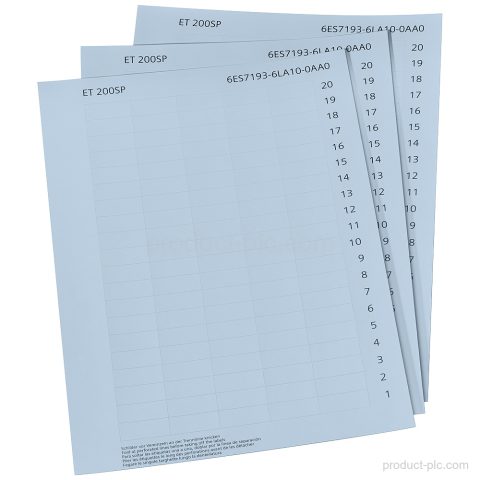
It is a set of color-coded labels for SIMATIC ET 200SP.

How many labels are included with 6ES7193-6CP41-2MB0?

The set includes 10 color-coded labels.

What is the Color code for 6ES7193-6CP41-2MB0?

The Color code is CC41.

What is 6ES7193-6CP41-2MB0 used for?

It is for I/O modules and 12 push-in terminals.
Selection guidance

Confirm the right fit before purchase

We help procurement and maintenance teams turn a partial label or project requirement into a clear model-check request.

01

Model identification

Share the complete model, MLFB or a clear nameplate photo so we can review the product identity.

02

System context

Tell us whether the requirement is for a replacement, cabinet build, expansion or maintenance spare.

03

Commercial check

We confirm quantity, condition, destination, lead time and quotation terms for your order.

Request a quotation

Check supply details for 6ES7193-6CP41-2MB0

Use the form to send the model, quantity, destination and your requirement. We normally reply within one business day with the available quotation details.

  • The product model is filled in automatically.
  • Add version, interface or replacement questions in the message field.
  • For a partial label, attach the available model details or product photos by email after submitting.
Product RFQ6ES7193-6CP41-2MB0

* Email is required. Product and project details help us respond accurately.