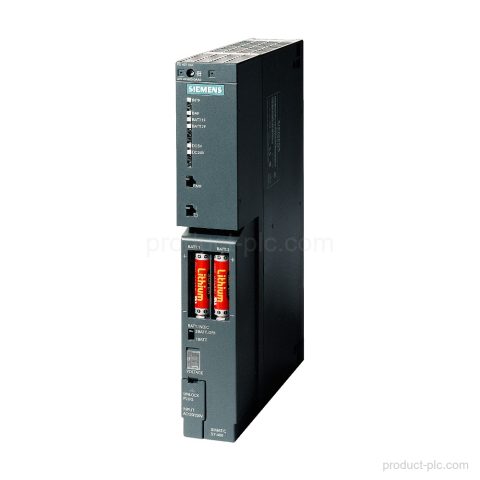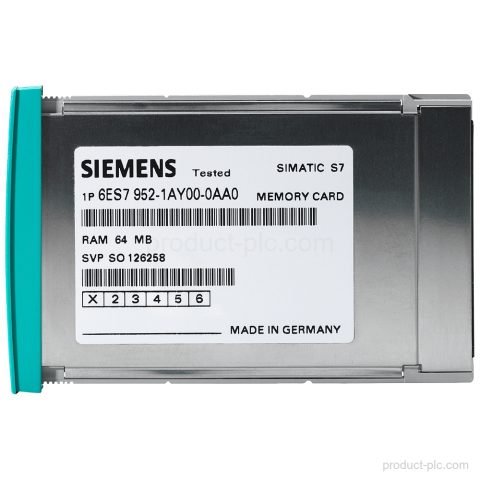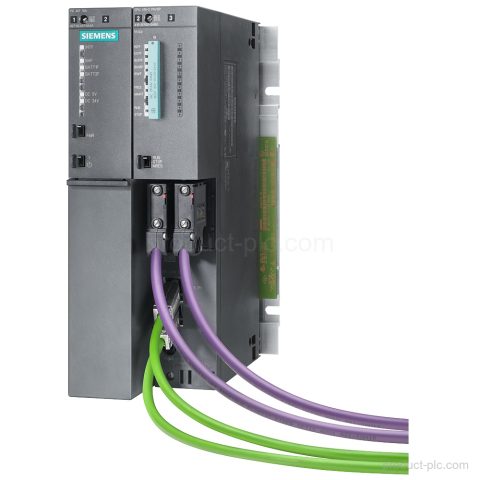
Product image

Model reference

6ES7403-1JA01-0AA0 S7-400 Automation

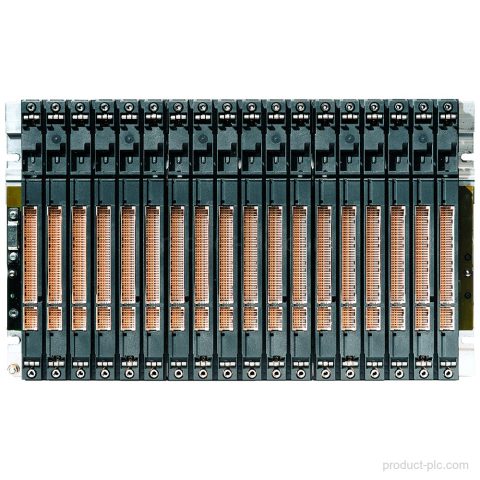
Technical SummaryProduct type designationER2Number of slots9P busYesCommunication busNoUseonly for signal modulesPower supply2 redundant PS can be plugged inProduct lifecycleAnnouncement of product phase-out Key FeaturesSIMATIC S7-400 extension rack ER2Product type designation: ER2.9 slotsThe rack provides 9 slots.For signal modulesOnly signal modules can be plugged in.2 redundant PS2 redundant PS can be plugged in.P bus supportP bus:…

We confirm price, condition, lead time and warranty terms for your exact model and quantity.

Product Parameters

Product Code
6ES7403-1JA01-0AA0
Dimensions
39.5 × 27.4 × 4.5 cm
Weight
2.2 kg
Lifecycle
Announcement of product phase-out
Availability
in stock
Lead Time
Confirmed with quotation
Product Attachment
Download Datasheet

Product Details

Technical Summary

Product type designation ER2
Number of slots 9
P bus Yes
Communication bus No
Use only for signal modules
Power supply 2 redundant PS can be plugged in
Product lifecycle Announcement of product phase-out

Key Features

SIMATIC S7-400 extension rack ER2
Product type designation: ER2.
9 slots
The rack provides 9 slots.
For signal modules
Only signal modules can be plugged in.
2 redundant PS
2 redundant PS can be plugged in.
P bus support
P bus: Yes.
Communication bus
Communication bus: No.

Applications

Signal module mounting in a SIMATIC S7-400 rack
Provides 9 slots for signal modules in an extension rack configuration.
Redundant power supply installation
Accommodates 2 redundant PS in the rack.

Frequently Asked Questions

What is 6ES7403-1JA01-0AA0 in the SIMATIC S7-400 range?

It is a SIMATIC S7-400 extension rack ER2.

How many slots does 6ES7403-1JA01-0AA0 have?

It has 9 slots.

Can 6ES7403-1JA01-0AA0 use signal modules?

Yes. It is for signal modules.

How many redundant power supplies can be plugged into 6ES7403-1JA01-0AA0?

2 redundant PS can be plugged in.
Selection guidance

Confirm the right fit before purchase

We help procurement and maintenance teams turn a partial label or project requirement into a clear model-check request.

01

Model identification

Share the complete model, MLFB or a clear nameplate photo so we can review the product identity.

02

System context

Tell us whether the requirement is for a replacement, cabinet build, expansion or maintenance spare.

03

Commercial check

We confirm quantity, condition, destination, lead time and quotation terms for your order.

Request a quotation

Check supply details for 6ES7403-1JA01-0AA0

Use the form to send the model, quantity, destination and your requirement. We normally reply within one business day with the available quotation details.

  • The product model is filled in automatically.
  • Add version, interface or replacement questions in the message field.
  • For a partial label, attach the available model details or product photos by email after submitting.
Product RFQ6ES7403-1JA01-0AA0

* Email is required. Product and project details help us respond accurately.